


Affiliate Disclosure: This post, published by M-FinTech (mfintechai.com), contains affiliate links. If you make a purchase through these links, M-FinTech may earn a small commission at zero extra cost to you. M-FinTech only recommends office hardware and tools verified to be reliable for small business workflows.
Managing SMB cash flow is one of the hardest parts of running a small business — and it rarely gets easier just because revenue is up. If you’ve ever stared at a Profit & Loss statement showing a healthy net income, then opened your bank account and wondered where all that money went, you’re not doing anything wrong. You’re just looking at the wrong report.
This happens to competent small and medium-sized business (SMB) owners constantly. It’s not a sign you’re bad at running your business — it’s a sign you’ve been reading the P&L as if it tells you about cash, when it was never built to do that job in the first place.
The SMB Cash Flow Paradox: Why “Profitable” Doesn’t Mean “Liquid”
Here’s the disconnect. Most SMBs run on accrual accounting, which records revenue the moment you send an invoice — not when the client actually pays it. Your P&L can show $40,000 in revenue for the month while your actual bank balance reflects a fraction of that, because half your clients are still sitting on unpaid invoices.
The reverse happens too. You might owe $15,000 in bills you haven’t paid yet (accounts payable), and none of that shows up as “cash gone” on your P&L, because technically, you haven’t paid it. Your P&L is an opinion about profitability. Your bank balance is a fact about survival.
A few things quietly drain cash without ever touching your P&L:
- Loan principal payments — the interest is deductible and shows on your P&L, but the principal portion is invisible there
- Inventory purchases — buying stock uses cash today; it only becomes an expense on your P&L when it sells
- Owner draws or distributions — real cash out the door, but not a P&L expense at all
- Equipment purchases — depreciated over years on paper, but paid for in full, today, in cash
If you want the full breakdown of how the three core financial statements interact with SMB cash flow — and where most SMB owners get tripped up reading them — I put together the ultimate guide to financial statements for SMBs that’s worth a read alongside this one.
What the Cash Flow Statement Actually Tells You
The Statement of Cash Flows strips out the accrual noise and answers one blunt question: where did the cash actually come from, and where did it actually go? It breaks that answer into three buckets:
- Operating activities — cash generated (or burned) by your core business: customer payments in, supplier payments out, payroll, rent
- Investing activities — cash spent on or received from long-term assets: equipment, property, investments
- Financing activities — cash from loans, lines of credit, owner contributions, or debt repayment
If your operating cash flow is consistently negative even while your P&L shows a profit, that’s not a paperwork issue — it’s an early warning sign that your business model has a timing problem between when you earn and when you collect. For more on why this report deserves a permanent seat at your monthly review table, see this piece on importance of financial reporting for small business. For a deeper technical breakdown of each component, Investopedia has a comprehensive definition of cash flow statement components on Investopedia.
How to Run Your SMB Cash Flow Statement in QuickBooks Online
Good news: QuickBooks Online generates your SMB cash flow report for you automatically — which, worth saying plainly, is the actual hard part. Here’s how to pull and configure it.
Step 1: Navigate to the Report
- From the left-hand menu, go to Reports
- In the search bar, type “Statement of Cash Flows”
- Select it from the results
Step 2: Set Your Date Range
- Use the Report period dropdown to select a preset range (This Month, This Quarter, This Fiscal Year) or set a Custom range
- For trend analysis, run it monthly for the trailing 12 months so you can spot seasonal cash crunches before they hit
Step 3: Customize the Report
Click Customize in the top right to adjust:
- Accounting method — confirm it’s set to Cash, not Accrual, or the report loses its entire purpose
- Rows/Columns — toggle whether you want the report broken out by month, quarter, or as a single total
- Filter — narrow by class or location if you’re tracking cash flow across multiple business units
Step 4: Read It Correctly
Check the net cash provided by operating activities line first. That number, not your net income, is the real pulse check on whether your core business is generating or consuming cash.
Step 5: Automate the Recurring Check
Set this report to run and land in your inbox monthly under Reports > Custom reports > Schedule. A cash flow statement you only look at once a year isn’t a management tool, it’s a postmortem.
For the official walkthrough straight from Intuit, including a downloadable template, check out this QuickBooks Guide on Preparing a Cash Flow Statement.
QBO also has automation features that can flag unusual cash movements and reconcile transactions faster than doing it manually line by line — I’ve written about how to leverage QuickBooks AI automation if you want to cut down the manual reconciliation time this report depends on.
Two Tools That Make This Process Faster
Running a clean SMB cash flow statement depends on clean source data — bank statements matched against QBO, receipts logged before they pile up. Two pieces of hardware that consistently save time on this. Click through to check current price and full specs on Amazon before deciding:
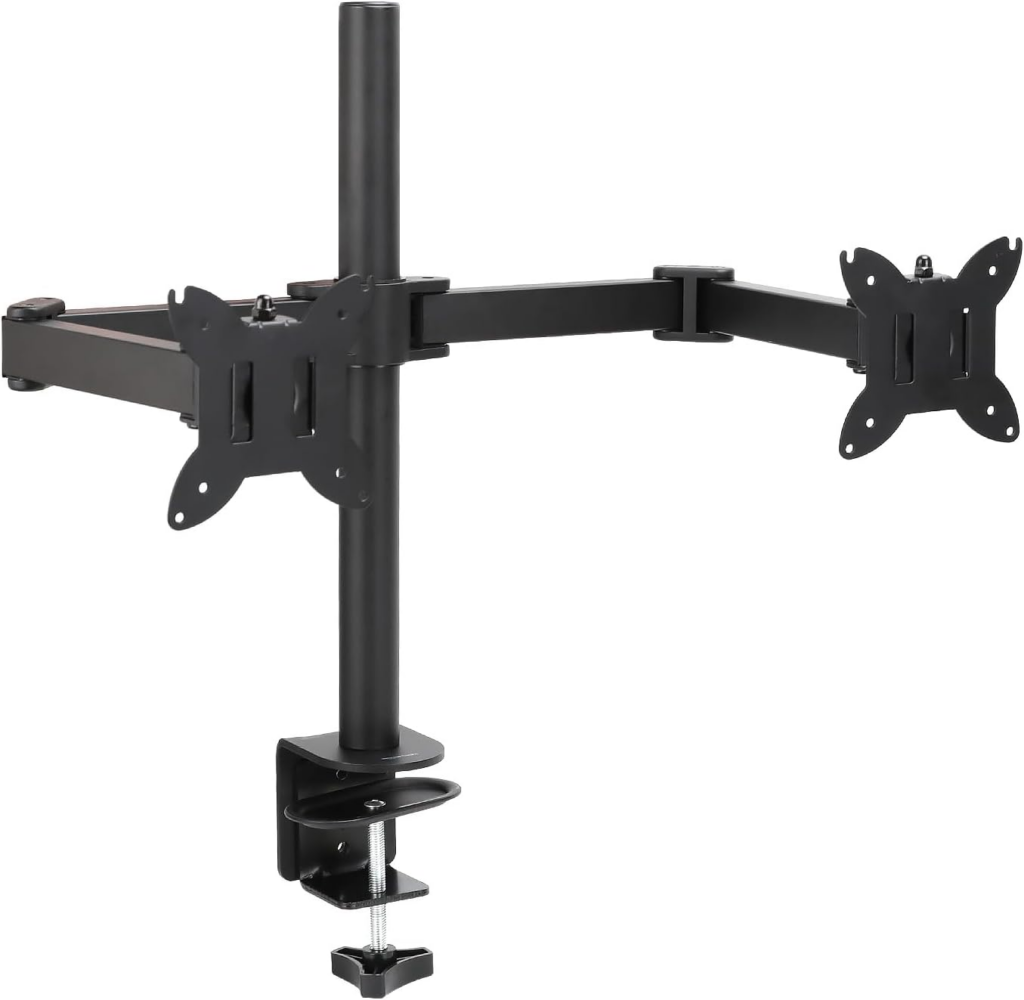
Dual Monitor Desk Mount Reconciling means cross-referencing your bank statement PDF against your QBO register line by line. Doing that on one screen means constant alt-tabbing. A second monitor lets you keep the bank statement open on one side and QBO open on the other — cuts reconciliation time noticeably once you’re used to it. 👉 [Check price and details on Amazon — Amazon Basics Adjustable Dual Monitor Desk Mount]
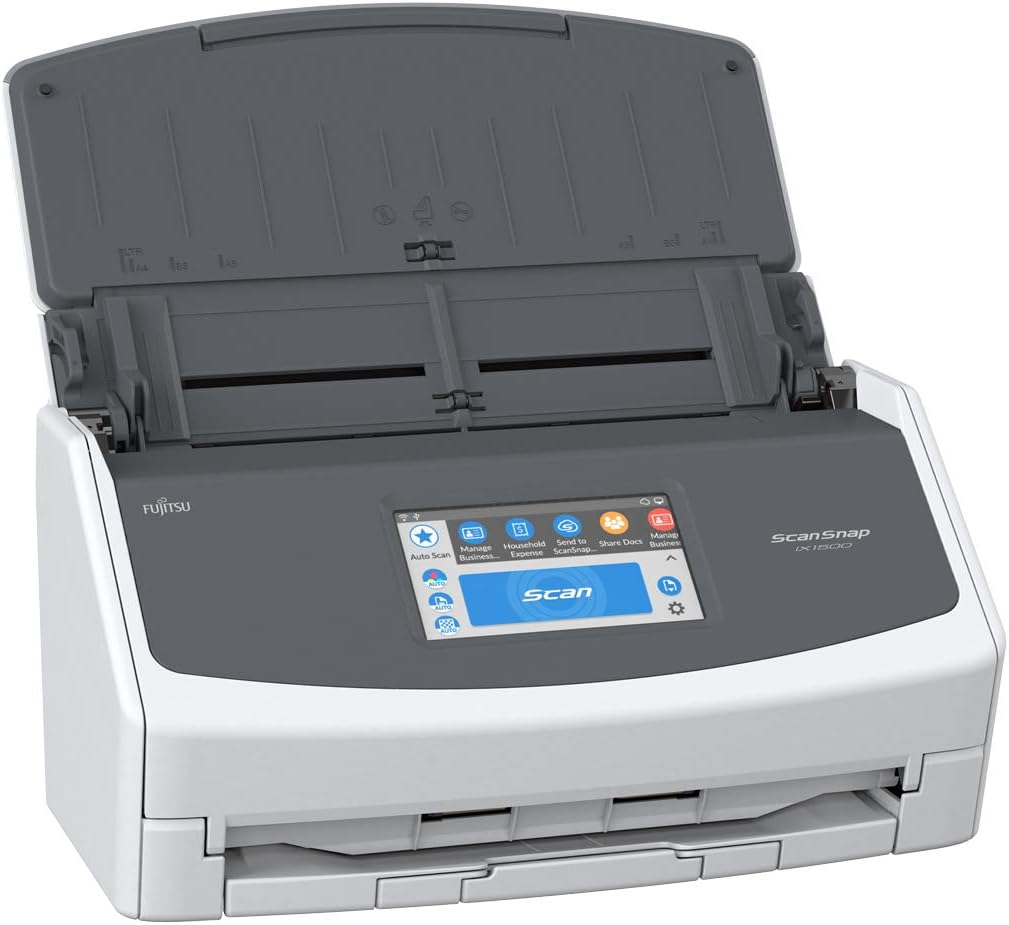
High-Speed Desktop Scanner Receipts and invoices that sit in a drawer for three weeks are the number one reason cash flow reports go stale. A desktop scanner that digitizes and uploads directly to QBO’s receipt capture keeps your accounts payable and receivable current instead of reconstructed from memory at month-end. 👉 [Check price and details on Amazon —ScanSnap Fujitsu iX1500 Color Duplex Document Scanner]
When It’s Time to Stop DIY-ing This
You can run your SMB cash flow report yourself. Whether you can trust the number it spits out depends entirely on whether your books are reconciled, your chart of accounts is clean, and your categorization is consistent month over month. A cash flow statement built on messy books just produces a confident-looking wrong answer.
A quick note on who’s writing this: I’m a QuickBooks Online Certified ProAdvisor (Level 1 & 2), and I hold Google’s AI Essentials and AI Professional certificates on top of that — which is why the “AI-assisted insights” part of what I do isn’t a buzzword, it’s a workflow I actually use to catch discrepancies faster than manual review alone.
If you’d rather have someone else own that accuracy, here’s where I can help:
- Need your books reconciled and audit-ready first? That’s the foundation this whole report depends on. I offer a QuickBooks Online Bookkeeping & Monthly Reconciliation Service on Upwork built specifically to get your books to that standard.
- Need the deeper analysis — forecasting, custom management reports, AI-assisted insights on top of the raw numbers? That’s a different service tier, and it’s where I spend most of my time with clients who’ve outgrown basic bookkeeping. Details are on my Custom QuickBooks Financial Reports & AI-Assisted Insights Consulting on Upwork listing.
- Prefer to talk it through first? You can reach me directly on LinkedIn.
The Bottom Line
Your P&L tells you if the business model works. Your SMB cash flow statement tells you if you’ll still be open in six months. Both matter, and confusing them for each other is how profitable businesses still end up scrambling to make payroll.
Run the report. Read the operating activities line first. And if reconciling three years of transaction history isn’t how you want to spend your weekend, that’s what I’m here for — so you can put your attention back on running the business instead of untangling it.