

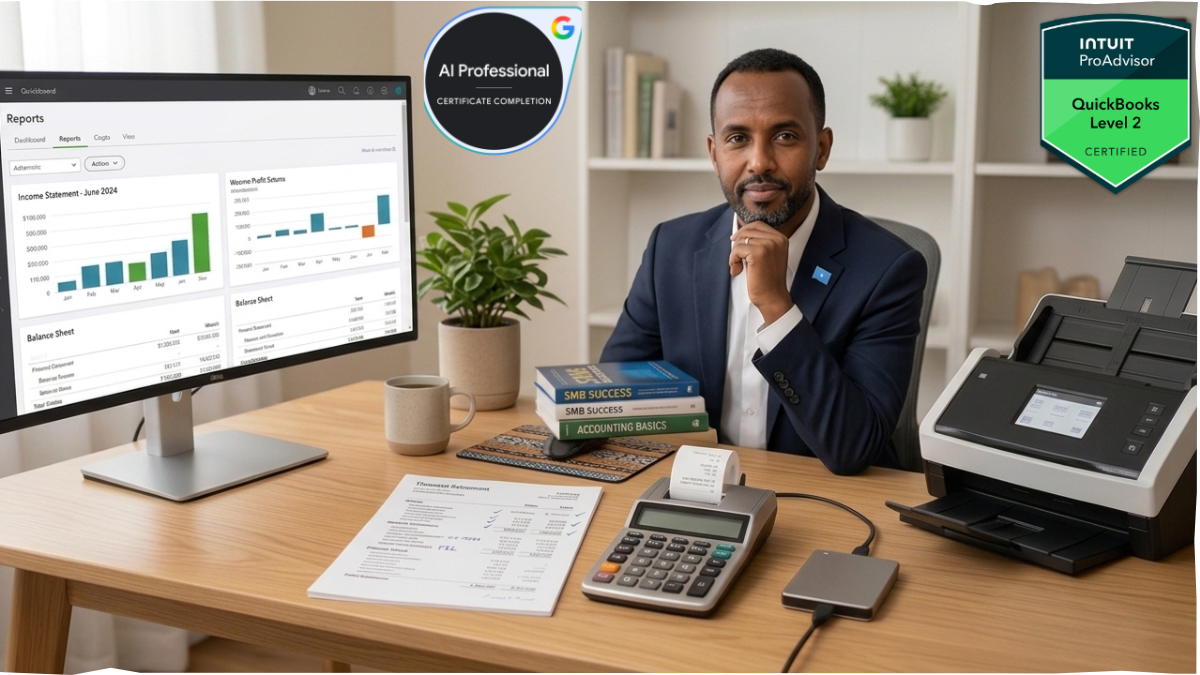
Affiliate Disclosure: This post contains Amazon affiliate links. If you purchase through them, we earn a small commission at zero extra cost to you. We only recommend equipment we’d actually put in front of a bookkeeping desk.
If you run a small or medium-sized business, understanding financial statements for SMBs isn’t optional — they’re the only objective record of whether your business is actually working. Everything else — how busy you feel, how confident you are about next quarter, how good your gut says things are going — is opinion. Your balance sheet, income statement, and cash flow statement are fact.
I say this as someone who has sat inside QuickBooks Online books for SMBs, healthcare practices, and e-commerce stores across three different markets: most owners can tell you their revenue. Very few can tell you their current ratio, their burn rate, or whether their “profitable” month actually generated cash. That gap is where businesses quietly die — not from lack of sales, but from lack of visibility into the numbers that predict trouble before it hits the bank account.
Why Financial Statements for SMBs Are the Lifeblood of Decision-Making
Recommended Reading: Trying to scale a business without these core metrics is a guessing game. If you’re wondering how these insights practically guide your operational strategy, check out our deep dive on 3 Ways Financial Reports Act as the Compass of Your Business Success to see how it steers modern entrepreneurship.
Three things ride on these documents, and none of them are optional:
Decision-making. You cannot price a product, decide whether to hire, or evaluate a new vendor contract without knowing your actual margins and liquidity position. Owners who “wing it” on gut feel are making decisions with roughly a third of the information they need.
Tax compliance. The IRS and equivalent tax authorities don’t accept vibes. Clean, reconciled financial statements are what stand between you and a stressful audit — or worse, penalties for underreported income you didn’t even know you had, because your bookkeeping never caught it.
Funding and credibility. Every bank, SBA lender, or investor will ask for financial statements before they ask for your pitch deck. A business that can produce a clean balance sheet and income statement on short notice signals operational discipline. One that can’t — regardless of how good the underlying business actually is — signals risk, and risk gets you a higher interest rate or a declined application.
The uncomfortable truth: most SMB owners avoid their financial statements because they don’t fully understand them. That’s a solvable problem, and it’s exactly what the rest of this guide is for.
The Big Three: Balance Sheet, Income Statement, and Cash Flow Statement
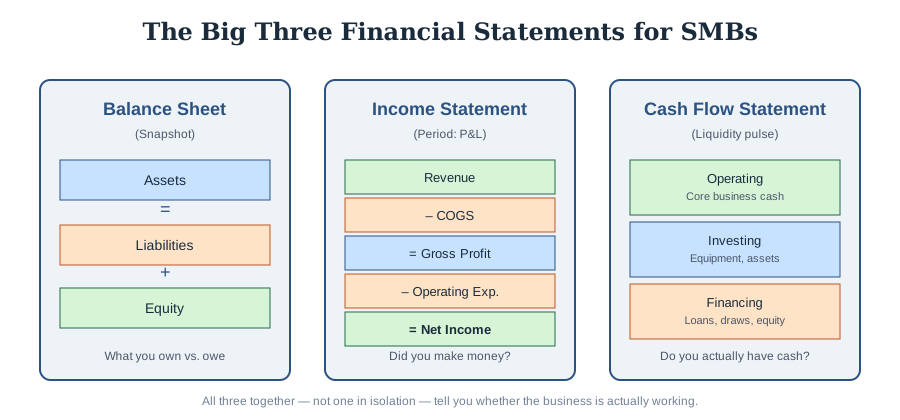
There are exactly three core financial statements you need to understand cold. Not twelve reports, not a dashboard full of KPIs — three documents, each answering a different question.
The Balance Sheet: Your Financial Health Snapshot
The balance sheet answers one question: what do you own, what do you owe, and what’s actually yours? It’s built on the fundamental accounting equation:
Assets = Liabilities + Equity
This isn’t a suggestion — it’s a mathematical identity that must balance, which is exactly why the statement is named what it is.
- Assets: Everything the business controls that has value — cash, accounts receivable, inventory, equipment, and (for e-commerce specifically) prepaid inventory and merchant account holdings.
- Liabilities: Everything you owe — accounts payable, credit lines, loans, deferred revenue, payroll liabilities.
- Equity: What’s left over — the owner’s actual stake in the business after liabilities are subtracted from assets.
A balance sheet is a snapshot at a single point in time — “as of June 30” — not a period like the other two statements. This is the document lenders scrutinize hardest, because it tells them whether you could survive a bad quarter. If your current liabilities are creeping past your current assets, that’s not a footnote — that’s a liquidity crisis forming in slow motion, and it’s exactly the kind of pattern that shows up months before an owner “feels” the cash crunch.
According to widely used accounting frameworks, understanding how assets, liabilities, and equity interact is foundational to reading any financial statement correctly — a concept covered in depth by Investopedia’s breakdown of the balance sheet and its components, which is worth bookmarking if the terminology is still new to you.
The Income Statement (Profit & Loss): Your Operational Performance Tracker
Where the balance sheet is a snapshot, the income statement (P&L) is a movie — it covers a period (a month, a quarter, a year) and answers: did the business make money during that time?
The structure, top to bottom:
- Revenue — total sales before any deductions
- Cost of Goods Sold (COGS) — direct costs of producing what you sold
- Gross Profit — revenue minus COGS
- Operating Expenses — rent, payroll, marketing, software subscriptions
- Net Income — what’s left after everything
Here’s where I see the most confusion, especially with e-commerce clients: a business can show strong net income on the P&L and still be nearly out of cash. Why? Because the P&L runs on accrual accounting — it recognizes revenue when earned and expenses when incurred, not when money physically moves. If you’ve ever looked at your P&L and thought “we made $40K this month, so where is it?” — the answer is almost always sitting in inventory, receivables, or a debt payment that doesn’t touch the P&L at all. That disconnect is precisely why you can’t stop at the income statement.
The Cash Flow Statement: Your Liquidity Pulse
This is the statement most SMB owners skip and the one that actually predicts survival. It reconciles net income back to actual cash movement across three categories:
- Operating activities — cash generated or consumed by core business operations
- Investing activities — cash spent on or received from equipment, property, or other long-term assets
- Financing activities — cash from loans, owner draws, or investor contributions
A profitable business with poor cash flow management is one of the most common ways SMBs fail — you can be “profitable” on paper for a year straight while slowly starving your bank account through overstocked inventory, slow-paying customers, or debt service that eats every margin point you generated.
How to Generate Financial Statements for SMBs in QuickBooks Online
Understanding the statements conceptually is step one. Actually pulling financial statements for SMBs correctly inside QuickBooks Online is where most owners either save themselves hours or create a mess their bookkeeper has to unwind later. Here’s the process, done right.
Step 1: Navigate to Reports
From the left-hand menu, click Reports. QBO organizes these under “Business Overview” or “Favorites” depending on your setup, but you can also use the search bar at the top of the Reports page and just type the statement name directly — faster than clicking through menus once you know what you’re looking for.
Step 2: Generate the Balance Sheet
Search “Balance Sheet” in Reports. Before you run it:
- Set the “As of” date — this should typically be month-end or year-end, not “today,” unless you’re checking a real-time snapshot for a specific reason.
- Choose Accounting Method: Accrual for GAAP-consistent reporting (what lenders expect), Cash if you’re checking actual bank position.
- Use the Customize button to collapse or expand sub-accounts — collapsed is cleaner for lenders, expanded is what you want internally to spot which specific account is dragging your liabilities up.
Step 3: Generate the Income Statement (P&L)
Search “Profit and Loss.” Set your date range explicitly — QBO defaults to “This Month-to-date,” which is almost never what you actually want for analysis. For comparing performance, use the Compare dropdown under Customize to show prior period or prior year side-by-side — this single feature turns a flat report into an actual trend analysis.
Step 4: Generate the Cash Flow Statement
Search “Statement of Cash Flows.” This report pulls directly from your chart of accounts categorization, which means its accuracy is only as good as your bookkeeping hygiene — if transactions are miscategorized upstream, this statement will be wrong downstream, and it’s usually the last one an owner checks, which means errors here go unnoticed the longest.
Step 5: Customize for Your Actual Use Case
Under the Customize button on any of these three reports, you can filter by class, location, or customer (useful if you run multiple service lines or store locations), adjust the number format, and save custom report configurations so you’re not rebuilding filters every month. If you’re running a healthcare practice or multi-location retail operation, setting up Classes in QBO ahead of time is what makes this filtering actually useful — otherwise you’re stuck with company-wide totals only.
For a complete, click-by-click walkthrough, see the official QuickBooks Online guide on How to Run Financial Statements in QuickBooks Online — Intuit keeps the screenshots current as the UI shifts, which a static guide like this one eventually won’t. For the filtering, grouping, and save-as-template mechanics referenced above, their companion article on Customizing Reports in QuickBooks Online covers the Customize panel in more depth than I have room for here.
Need This Handled Instead of Just Explained?
Reading this guide gets you fluent in the numbers, but it won’t fix an unmanaged ledger. Knowing how to interpret financial statements for SMBs doesn’t automatically clean up a chart of accounts that’s been mis-categorizing transactions for eight months, or tell you why your P&L and your bank balance have stopped agreeing with each other. That’s a different job — and it’s the one I actually do.
I’m a Certified QuickBooks Online ProAdvisor and financial analyst helping business owners optimize their financial statements for SMBs. Alongside standard bookkeeping, I leverage my dedicated app, MFintech Financial Analyst, which instantly scans ledgers to flag accounting errors and anomalies for rapid cleanup. This allows me to deliver faster, tool-driven accuracy for e-commerce stores and healthcare practices on ledger cleanup, chart of accounts optimization, and advanced financial reporting. If any part of this guide made you wince because it described your books rather than a hypothetical, that’s usually a five-minute conversation to diagnose, not a six-month problem.
- [Instant Booking] QuickBooks Online Bookkeeping & AI-Assisted Financial Reports: Need your books sorted with modern accuracy? You can purchase this fixed-price project directly on Upwork. I leverage automated checks to scan your ledger and deliver precise financial statements for SMBs with a 2-day turnaround. Order This Project on Upwork
- [Instant Booking] QuickBooks Online Bookkeeping & Monthly Reconciliation: If bank mismatches and historical backlogs are skewing your numbers, you can secure this dedicated cleanup project on Upwork. We will reconcile your accounts to guarantee your balance sheet and financial statements for SMBs match reality. Order This Project on Upwork
- Custom Consultation & Strategy: Not sure which service fits your current backlog? Let’s discuss your specific bookkeeping needs or setup requirements directly on professional networks. Connect on LinkedIn
Essential Office Equipment & Financial Tech Hardware for SMB Owners
Reminder: the links below are Amazon affiliate links. Purchases made through them earn us a small commission at no additional cost to you — it doesn’t change your price, and it helps keep guides like this one free.
Running monthly close, reconciliations, and report reviews on a cramped single laptop screen is a false economy — the time lost scrolling between a bank statement PDF and your QBO ledger adds up fast when you’re producing financial statements for SMBs every month. A few categories worth the investment:
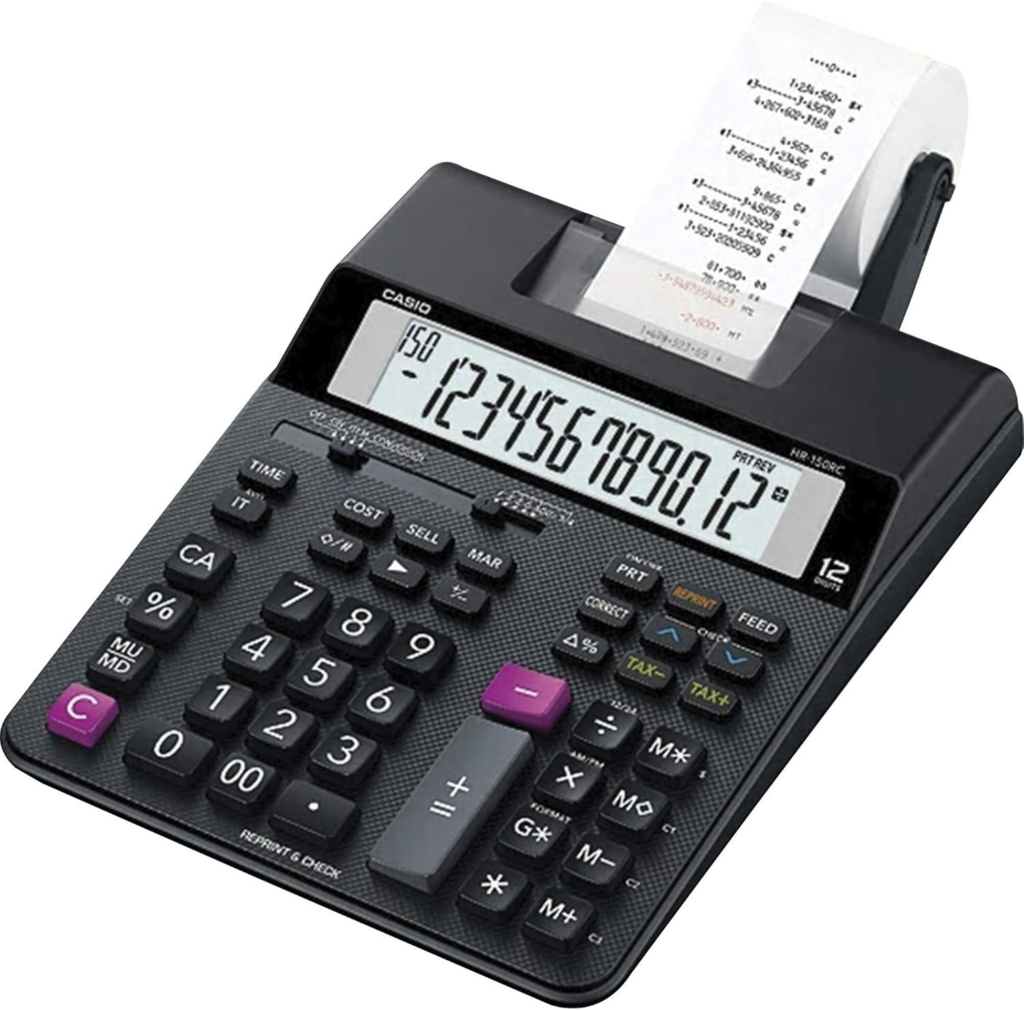
- Dual-screen ergonomic monitor setup — for side-by-side reconciliation work (bank statement on one screen, QBO ledger on the other), this is the single highest-ROI desk upgrade for anyone doing regular bookkeeping. ME2 MichaelElectronics2
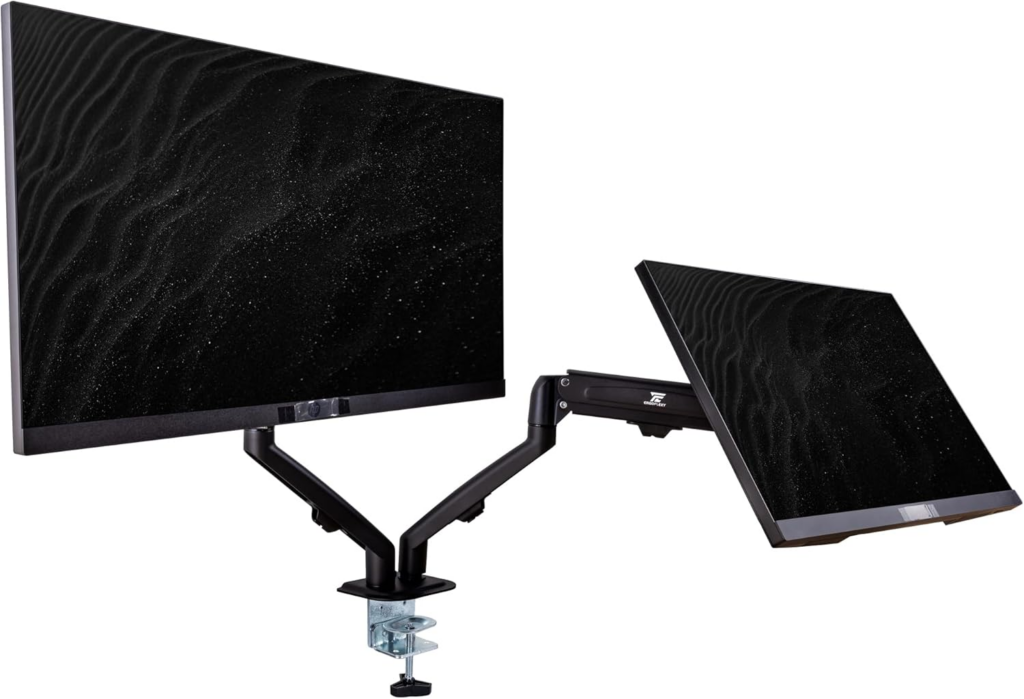
- Premium desktop financial calculator with tape printout — useful for manual cross-checks during audits or when you need a paper trail independent of software, particularly if a client or auditor wants verification outside the QBO environment. Casio HR-200RC – Desktop Printing Calculator with Dual-Color Print & 150-Step Check
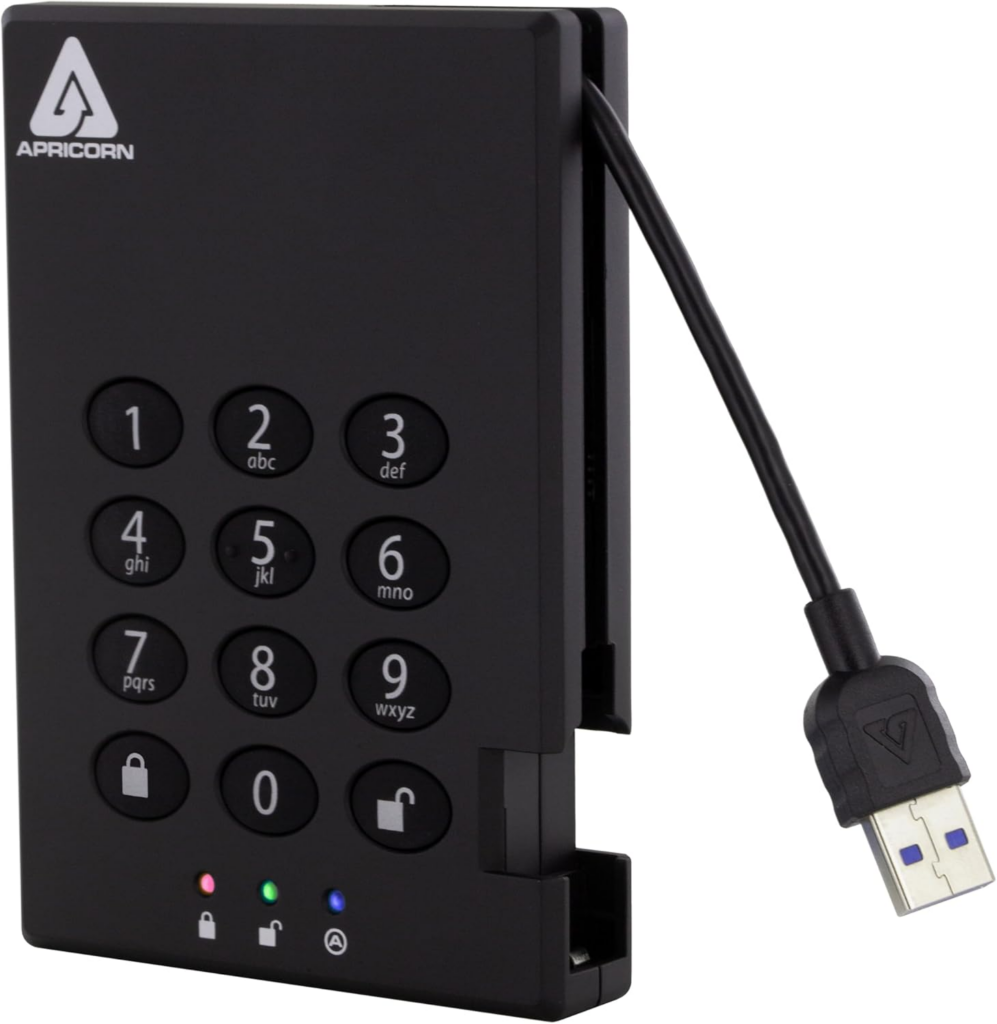
- Secure external backup hard drive (encrypted) — QBO is cloud-hosted, but exported financial statements, tax documents, and client records still deserve a local encrypted backup rather than living solely in a Downloads folder. Apricorn 2TB Aegis Padlock USB
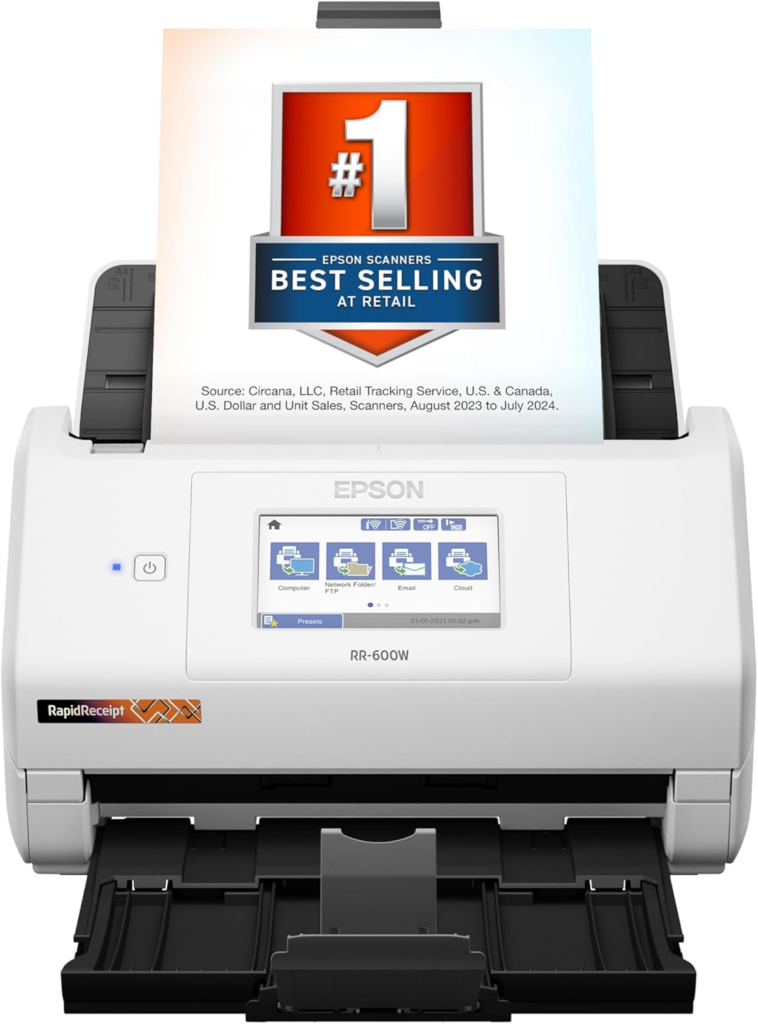
- Document scanner (duplex, high-speed) — for digitizing receipts and vendor invoices at the point of intake rather than letting them pile up for a quarterly scramble. Epson RapidReceipt RR-600W Wireless Desktop
None of this replaces good bookkeeping discipline. It just removes friction from doing it consistently — and consistency is the entire game with financial statements for SMBs. A perfect balance sheet produced once a year is worth far less than a decent one produced every month.
Tech Stack Note: Clean books require both smart software workflows and the right physical setup. We’ve previously broken down exactly how I use QuickBooks AI automation and 5 best hardware tools to save time, which outlines the exact tech stack and desktop upgrades needed to eliminate the daily paperwork mountain.
The Real Takeaway
Financial statements aren’t a compliance chore you outsource and forget. They’re the diagnostic panel for your business, and the three statements above only tell the full story together — a strong balance sheet with a weak cash flow statement is a business one bad month away from trouble; a strong income statement with a deteriorating balance sheet is growth funded by debt you haven’t fully priced in yet.
If you’re generating these reports monthly in QuickBooks Online but not sure what you’re actually looking at — or suspect your chart of accounts is producing numbers you can’t fully trust — that’s usually a sign it’s time for a second set of eyes on the books, not just faster software.
For broader context on how financial statement frameworks are standardized for smaller entities, the AICPA’s Financial Reporting Framework for Small- and Medium-Sized Entities is a solid reference point for understanding where SMB-level bookkeeping practices connect to formal accounting standards.